
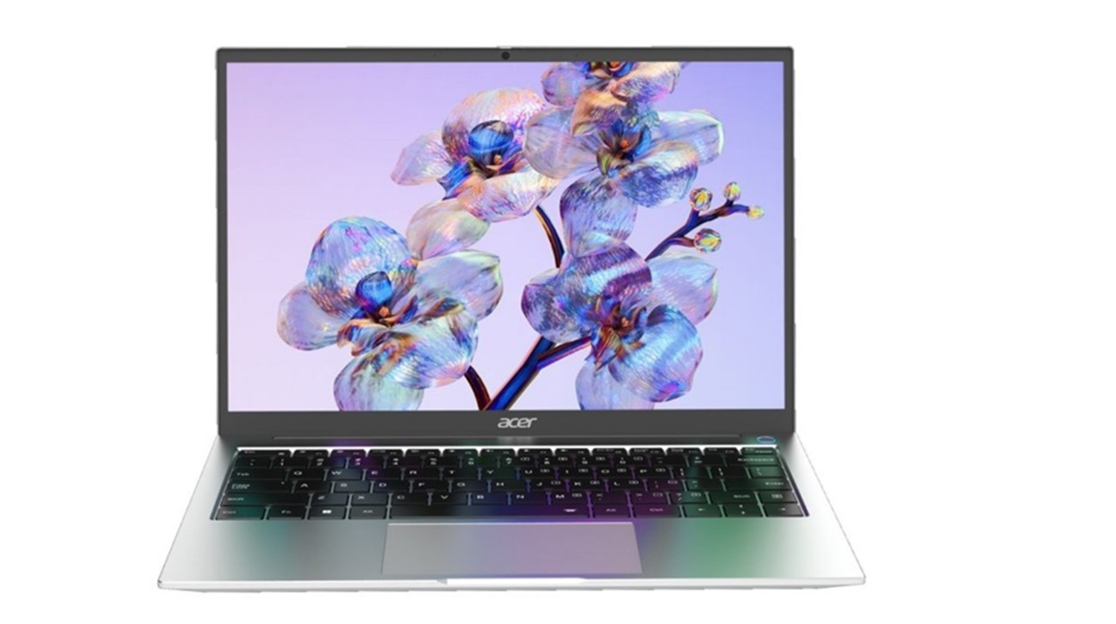
Shopping is fun, but standing in front of an array of glowing laptop screens can feel overwhelming. While the spec sheets throw in terms like i5, 16GB RAM, Snapdragon processor, or 512GB SSD, you may wonder which laptop is superfast or which one will last for years. However, understanding these specs is much easier than you think. Here is a 101 guide on laptop specifications, so you can head into the store next time feeling both excited and well-informed.
CPU: The brain that doesn’t need a coffee break
Do you wish to get a computer that will never leave you hanging? In that case, consider the processor first. It is the brain of your laptop because it performs all actions. The responsiveness of the processor depends on cores and clock speed. Although cores execute several actions simultaneously, clock speed determines how fast it works. There are various processors like Intel Core i3, i5, i7, i9, and even Core Ultra processors for AI workloads. Several Windows laptops also offer AMD Ryzen 3, 5, 7, and 9 processors. Furthermore, MacBooks are packed with lightning-fast M-series chips.
RAM loves multitasking
Your laptop’s RAM resembles your study desk. The bigger the desk, the more books you can open without compromise. Popular 8GB RAM laptops, like the Acer Aspire 3 A325-45 3 Notebook, are ideal for everyday browsing, emails, and documents. Being a sweet spot for most people today, 16GB RAM laptops such as the Dell Inspiron 5441 Notebook handle multitasking, moderate gaming, and creative work pretty well. Moreover, 32GB RAM laptops like the ASUS ROG Zephyrus G14 GA403WR-QS123WS laptop can withstand heavy multitasking and AI tools. Beyond 32GB, you can also check out the ASUS ROG Strix SCAR 18 G835LX-SA187WS laptop with 64GB RAM for professional workstations and 3D rendering.
SSD storage: Your digital cupboard
SSD is a storage space for your files, applications, and operating system. Laptops from HP, Acer, and Dell offer 256GB, 512GB, 1TB, and even 2TB SSDs. Go for 256GB if your tasks include cloud-based workflows.
Read More: How Automation Can Improve Communication between Schools and Parents
For creative professionals, gamers, and engineers, the Apple MacBook Pro with a 1TB SSD is worth a look. Additionally, if you truly want lightning-fast performance, you can check for HP laptops with NVMe SSDs.
Integrated vs dedicated graphics: The unsung artist behind every visual
Popularly known as GPUs, graphics draw absolutely everything you see on your laptop screen. While integrated graphics are built into the laptop’s processor and share its RAM, dedicated ones use a separate chip with their own VRAM. Most laptops with integrated graphics are ideal for everyday use. However, HP laptops with dedicated graphics, like NVIDIA GPUs with 8GB of VRAM, are suitable for immersive gaming.
Read More: When Should You Hire a Local SEO Company in Noida?